Carbon molecular sieves (CMS) can lose adsorption efficiency after extended idle periods, caused by dust accumulation, moisture uptake, bed settling, or pore blockage. A structured pre-restart inspection and testing routine protects performance, avoids unplanned downtime, and confirms whether the material can safely return to service. The standard workflow follows five sequential steps: visual inspection, pressure hold test, adsorption capacity test, contamination assessment, and in-system nitrogen performance verification.
Key Takeaways
- Start with a visual check for dust, cracked pellets, discoloration, and bed settling.
- Run a pressure hold test to verify vessel and bed integrity and check for leaks.
- Bench-scale adsorption capacity testing confirms whether separation performance remains at baseline.
- Inspect for common contaminants (oil, moisture, particulates) that can block pores and reduce output.
- Finish with in-system nitrogen purity verification to validate real-world performance before full production.
1. Visual Inspection
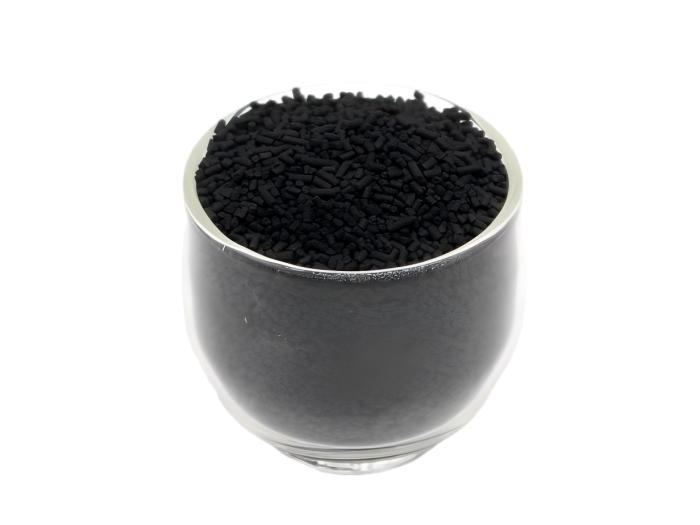
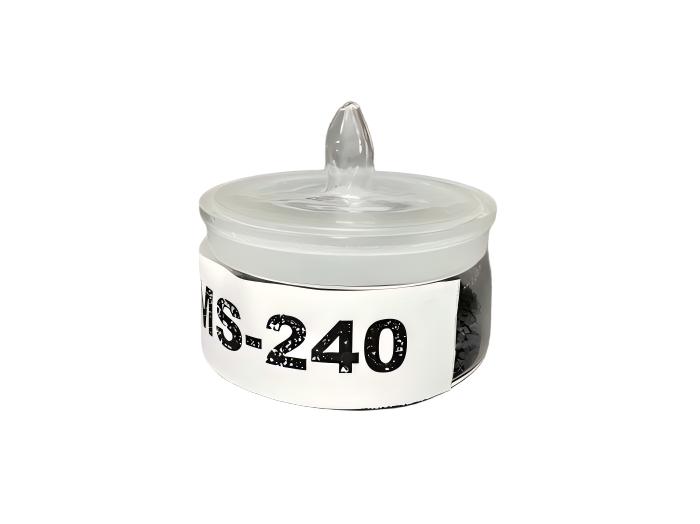
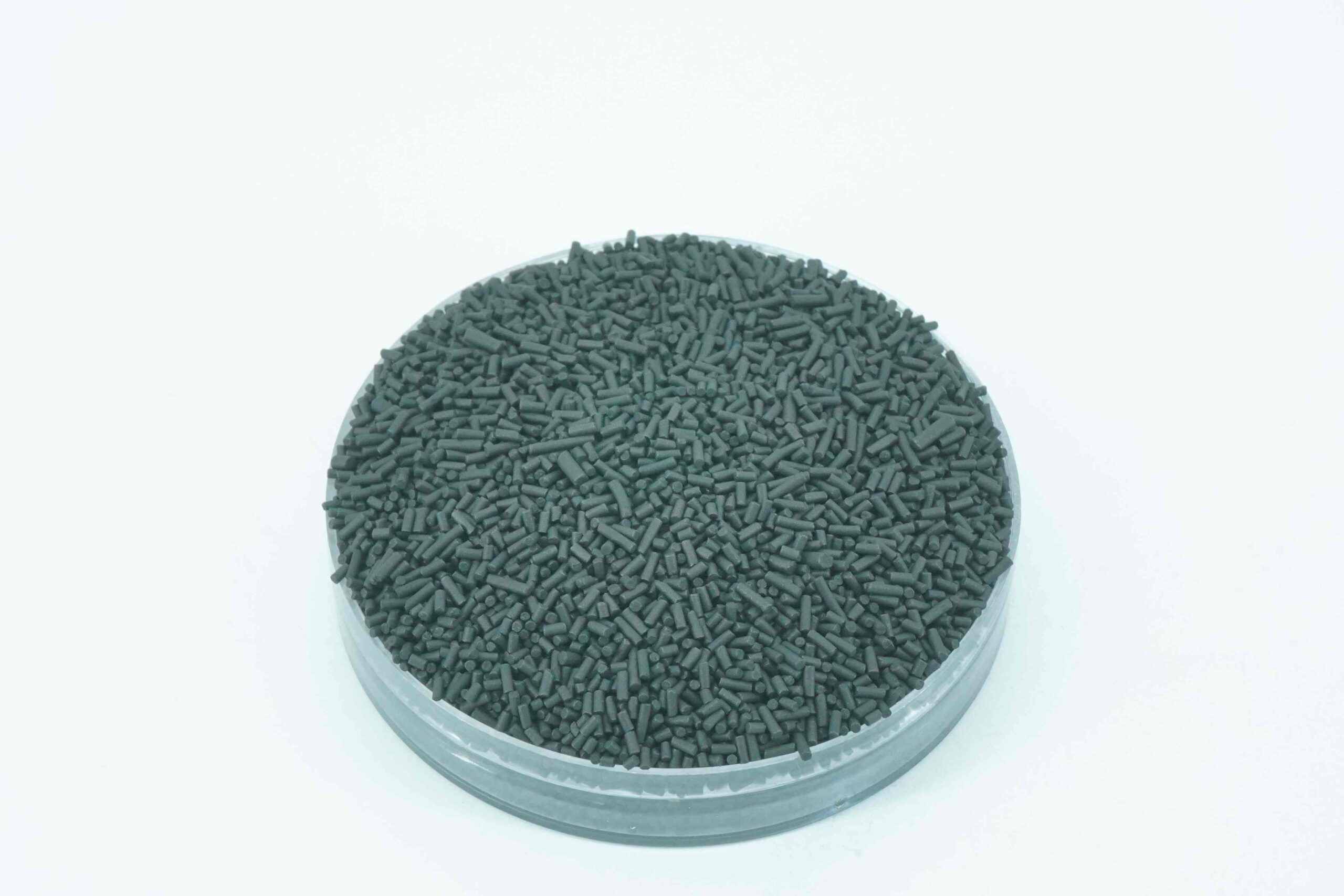
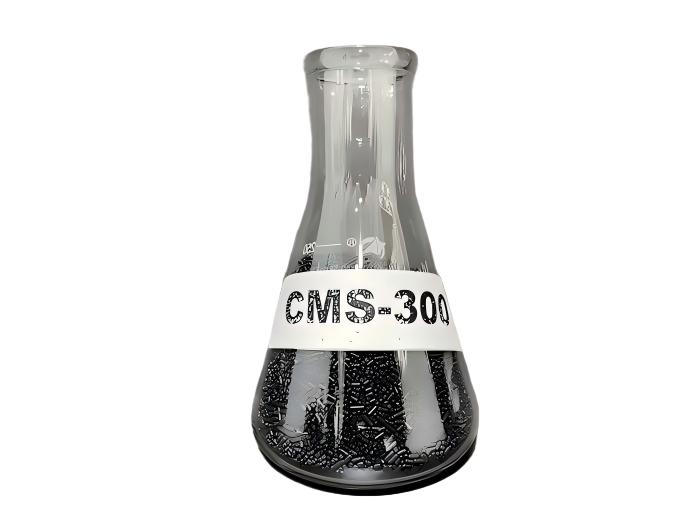
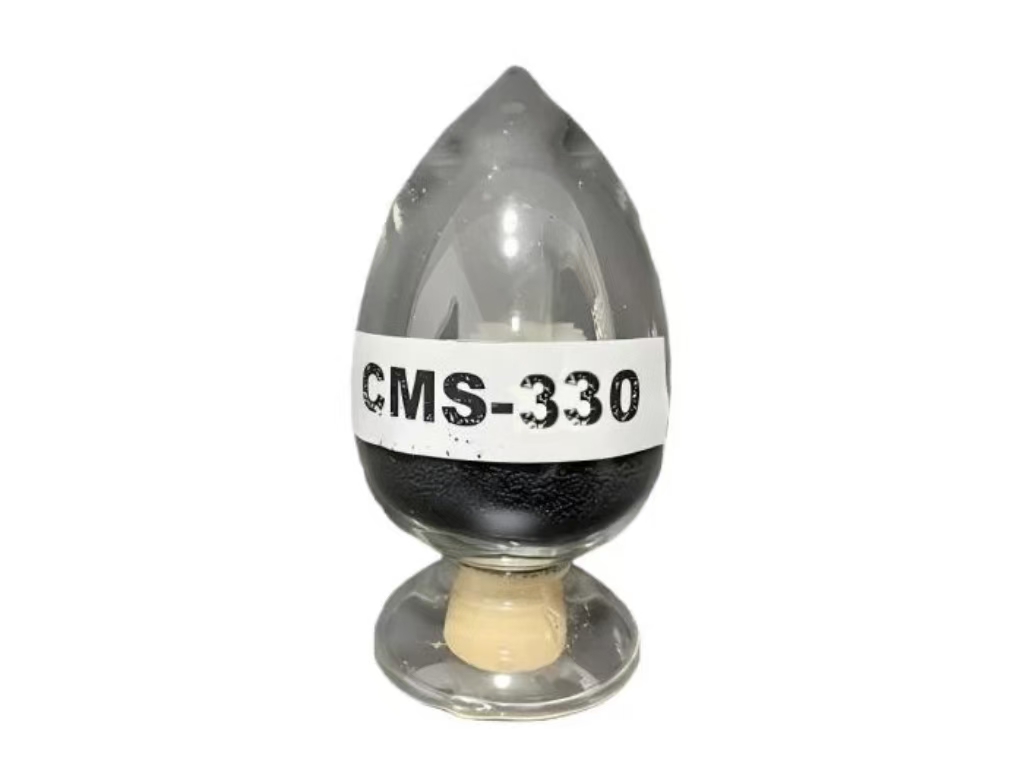
First, open the adsorption vessel and inspect the bed under good lighting. Standard YUANHAO CMS pellets (grades CMS-220 through CMS-330, 0.28–0.38 nm pores) are uniform black cylinders; deviations from this baseline signal potential issues.
Key Signs to Check
| Sign | Indication |
|---|---|
| Fine dust/fines at bed top | Normal wear from cycling or handling; usually minor |
| Cracked/crushed pellets | Mechanical stress or severe pressure swing history |
| Gray/brown discoloration | Moisture exposure or hydrocarbon contamination |
| Settled bed with reduced fill level | Long-term compaction and settling |
Pass/Fail Guidance
- Pass: Light dust, intact pellets, even color, and minimal settling. Dust can be screened out before returning to service.
- Fail: Widespread cracked pellets, heavy discoloration, or significant bed compaction. Proceed to further testing to determine if regeneration or replacement is required.
Document all findings in a maintenance log for trend tracking across future idle periods.
2. Pressure Hold Test
This test verifies the vessel, bed, and sealing hardware hold gas without leaks.
Procedure
- Close inlet and outlet valves to isolate the adsorption bed.
- Pressurize the bed to the manufacturer-specified test pressure for the CMS grade.
- Record starting pressure and time, then monitor pressure drop at regular intervals over the hold period.
Pass/Fail Guidance
- Pass: Pressure drop stays within the manufacturer’s allowable limit for the grade.
- Fail: Pressure drops faster than specification. Always rule out external leaks first (fittings, valve seats, flanges) before attributing failure to the sieve bed itself. Bed degradation, channeling, or blocked pores can also cause pressure loss.
3. Adsorption Capacity Test
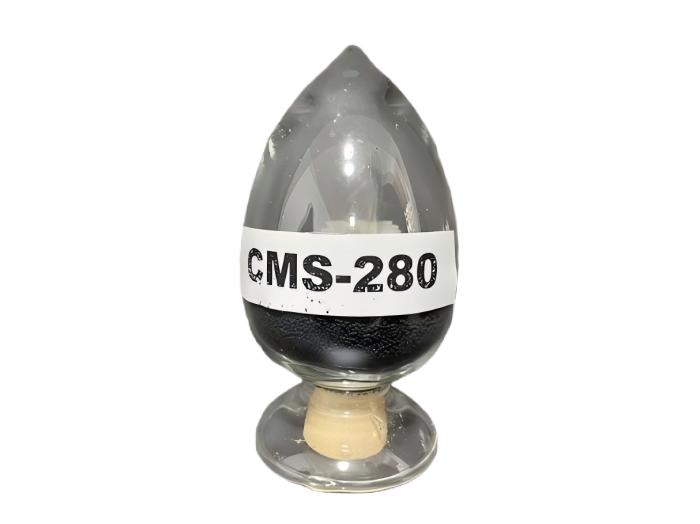
A bench-scale test measures the material’s remaining oxygen adsorption capacity and separation efficiency against an established baseline.
Standard Test Parameters
| Parameter | Value |
|---|---|
| Adsorption pressure | 7 atm |
| Half-cycle time | 58 s |
| Boost time | 5 s |
| Isostatic pressure time | 0.4 s |
| Purge time | 0.2 s |
| Column dimensions | 26 mm diameter, 1500 mm length |
| CMS sample charge | 500 g |
| Outlet measurement | Oxygen concentration |
A gravimetric quartz spring method can also be used as a complementary check for equilibrium adsorption, uptake rate, and selectivity.
Result Interpretation
Compare results to the original baseline for the CMS grade:
- Minor decline: May allow continued service; schedule follow-up testing.
- Significant drop: Indicates blocked pores (often from hydrocarbon adsorption during idle) or material degradation.
- Slow uptake rate: Points to blocked pores from contamination.
- Poor selectivity: Indicates the material no longer separates oxygen and nitrogen effectively.
Always run duplicate tests to confirm results before making regeneration or replacement decisions.
4. Contamination & Maintenance Assessment
Common contaminants degrade CMS performance by blocking micropores and reducing separation efficiency.
Common Contaminants & Warning Signs
| Contaminant | How It Damages the Bed | Warning Sign |
|---|---|---|
| Oil (compressor vapor) | Blocks micropores; damage is usually irreversible | Steady drop in nitrogen output unresponsive to parameter adjustments |
| Moisture (dryer failure) | Weakens pellet structure, causes pulverization | Fast loss of pellet strength and rising pressure drop |
| Particulates (breakdown dust) | Clogs pipelines, mufflers, and valves | Rising pressure drop; heavy black dust at exhaust |
Hydrocarbon Adsorption & Regeneration
Slow cycle response and off-spec purity are typical signs of hydrocarbon adsorption. Regeneration via low-vacuum baking for 2–12 hours can often restore adsorption performance, thermal stability, and clear pore residue.
Routine Idle Maintenance
To preserve bed health between runs:
- Purge the adsorption tower and run the system for 30 minutes monthly.
- Inspect dryers, filters, and drain traps on a scheduled basis.
- Purge nitrogen and condensate from low points before startup.
Under normal conditions, CMS service life is 12–24 months. High NOₓ and H₂S environments can reduce service life to 5 years or less.
5. In-System Nitrogen Performance Verification
The final validation runs the actual PSA system to confirm real-world performance. Compare outlet nitrogen purity and flow rate to original baseline values, across both adsorption and desorption cycles.
Track performance continuously (not just at startup) against established baselines for each product category. Trending deviations from baseline signal normal wear or feed air issues before purity falls out of specification.
Reuse vs. Replace Decision
| Condition | Action |
|---|---|
| All checks pass, performance near baseline | Return to service |
| Recoverable capacity loss, intact pellet structure | Regenerate (low-vacuum baking to remove moisture/hydrocarbon residue) |
| Severe capacity loss, crushed pellets, blocked pores resistant to regeneration | Replace with fresh CMS |
Base all decisions on combined test data, not visual inspection alone. Document all results and follow the specifications provided by your CMS manufacturer for your specific CMS grade.
FAQ
How long can a carbon molecular sieve sit idle before it needs a check?
There is no universal time limit. Dust, moisture, and bed settling can occur during any extended idle period. Always run the full check sequence before restart, regardless of idle duration.
Can you reuse the sieve if only the visual inspection fails?
A light dust layer passes and can be screened out. Heavy crushing or discoloration fails visual check, but pressure hold and adsorption tests should still be run to inform the final decision. Test data, not visual appearance alone, guides reuse choices.
When does regeneration make sense?
Regeneration works for beds with intact pellet structure and recoverable capacity loss. Low-vacuum baking for 2–12 hours clears moisture and hydrocarbon residue from pores. Beds with crushed pellets or permanently blocked pores require replacement instead.
What routine steps keep the bed healthy between runs?
Purge the adsorption tower and run the system for 30 minutes monthly. Also inspect dryers, filters, and drain traps on a set schedule. These habits support steady performance over the 12–24 month service life.
Does age alone justify replacement?
No. Age is one factor, not the sole deciding factor. YUANHAO CMS is rated for 12–24 months under normal conditions. A bed near the end of its rated life with strong test results can remain in service. Decisions should be based on combined inspection, pressure, capacity, and contamination data.